
2024 Show Your Cards Contest Winners
Finding information through endless scrolling and searching in traditional file folders and cloud storage can be overwhelming, leading to errors and wasted time. To simplify the process, we introduced Channel Cards and Key Cards.
Channel Cards act as “album covers” for each Channel you create, offering a visual way to navigate your content. Key Cards provide a way to visually group and filter content within a Channel. These visual gateways are dynamic and completely customizable through the use of your own graphics!
We launched the ‘Show Your Cards’ contest to encourage customers to share their creative uses of these features. Their entries were a testament to the power of visual navigation over searching through file folders and cloud storage solutions.
See 2024's submission winners below.
Best Brand Identity
Most reflective of the submitting firm
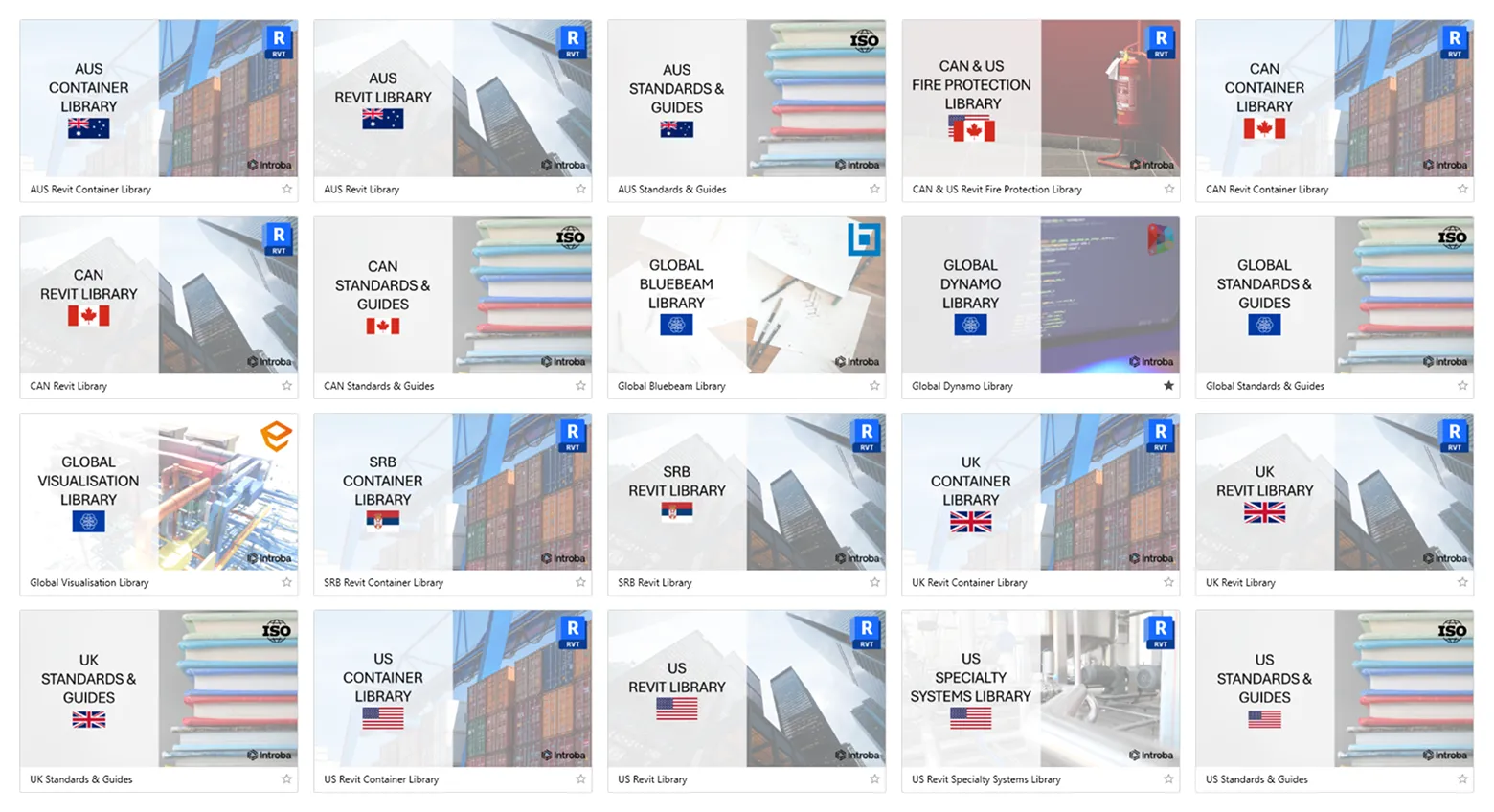
Introba
“Introba is a global company with offices in Canada, the United States, Australia, Serbia, and the United Kingdom.
In developing our AVAIL brand identity, we realised we needed separate channels for each region and shared global content. These channels had to have a consistent, recognisable identity and be visually appealing. The addition of the region’s flags and application logos allows all Introba users, regardless of their native language, to instantly recognise relevant Channels.
To ensure we can readily update Channel images, the Introba AVAIL template has been created in Microsoft PowerPoint, which all Introba staff have access to.”
Best Visual Navigation
Most effective in helping others find what they need faster
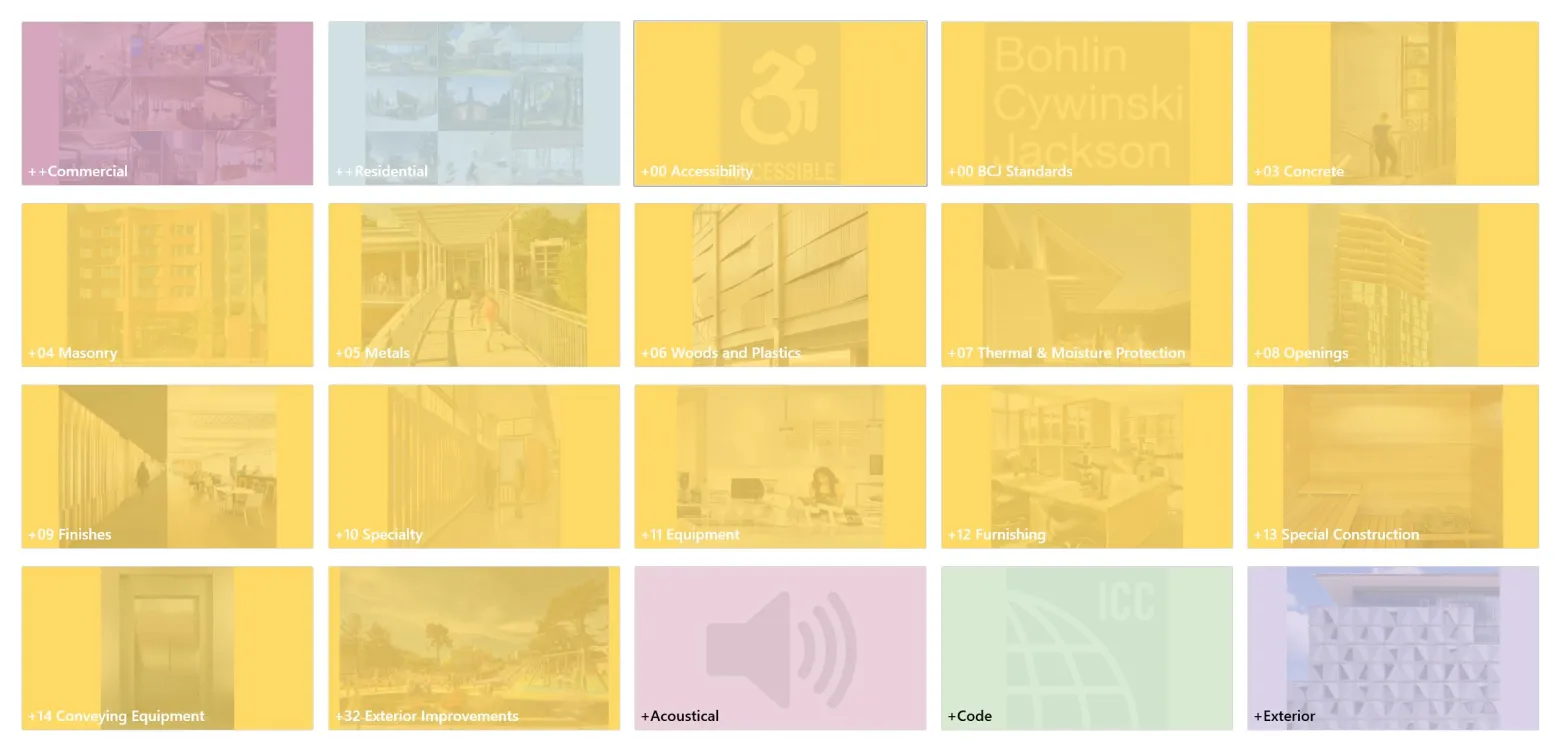
Bohlin Cywinski Jackson
“Bohlin Cywinski Jackson has created a cohesive set of Key Cards mainly organized around CSI spec section as well as other major headings such as Commercial, Residential, Code, Acoustics, etc.“
Most Creative
The coolest, most exciting, and inspirational design
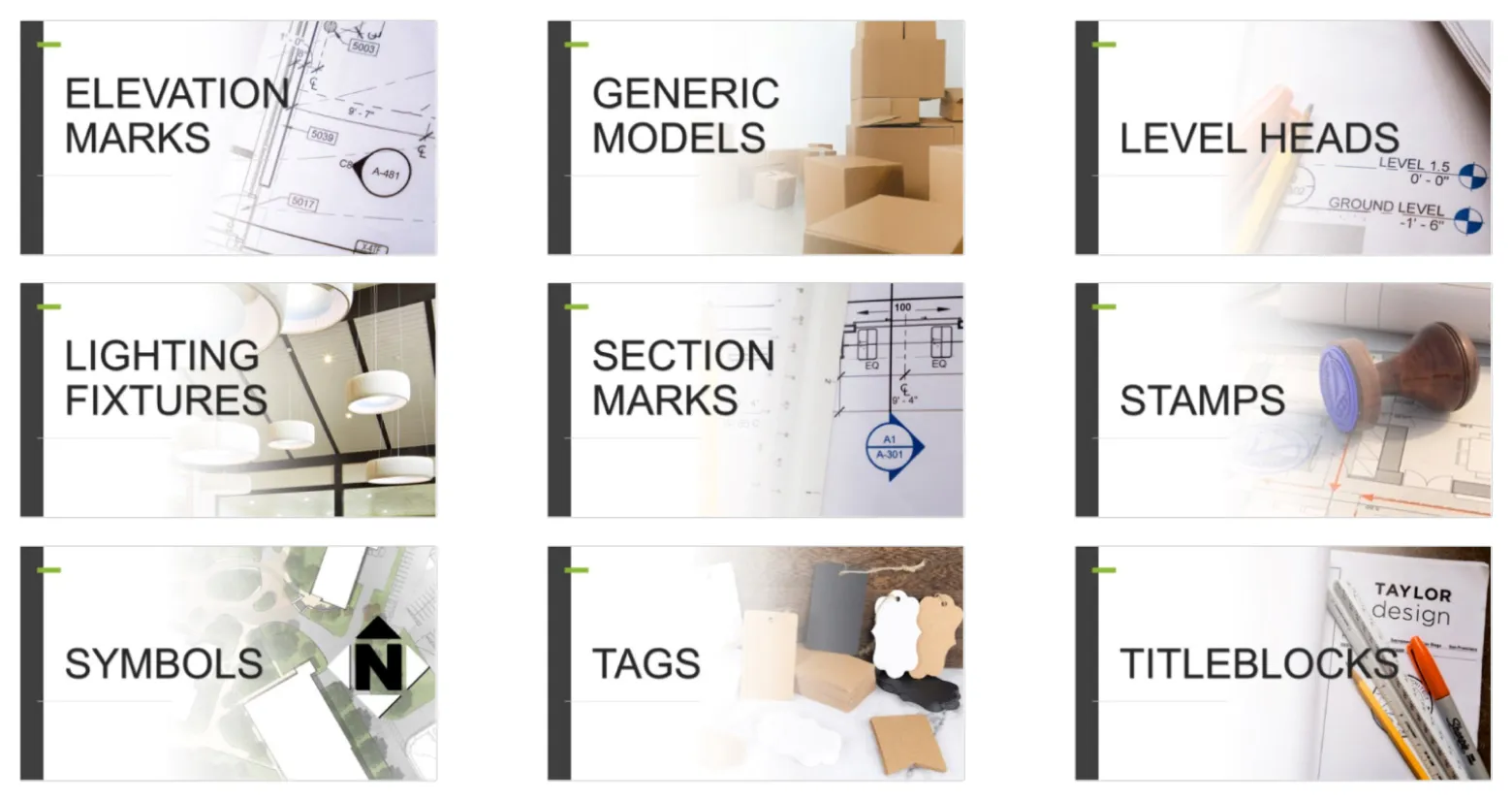
Taylor Design
“Crafting realistic images to convey filtered categories using Key Cards at Taylor Design was no easy task, especially when handling content in the annotations category. Striking the right balance between authenticity and clarity posed a challenge, but we believe we successfully overcame it.”
Show Your Cards Contest Honorable Mentions

Gray AE
“When creating the Key Cards I wanted them to be simple, easy to read, and throw in an “Easter egg” to see if anyone catches it. Our Channel 12 has the most obvious “Easter egg” and I’ve added some in other Channels. It’s a fun way to keep people engaged and checking for updates.”
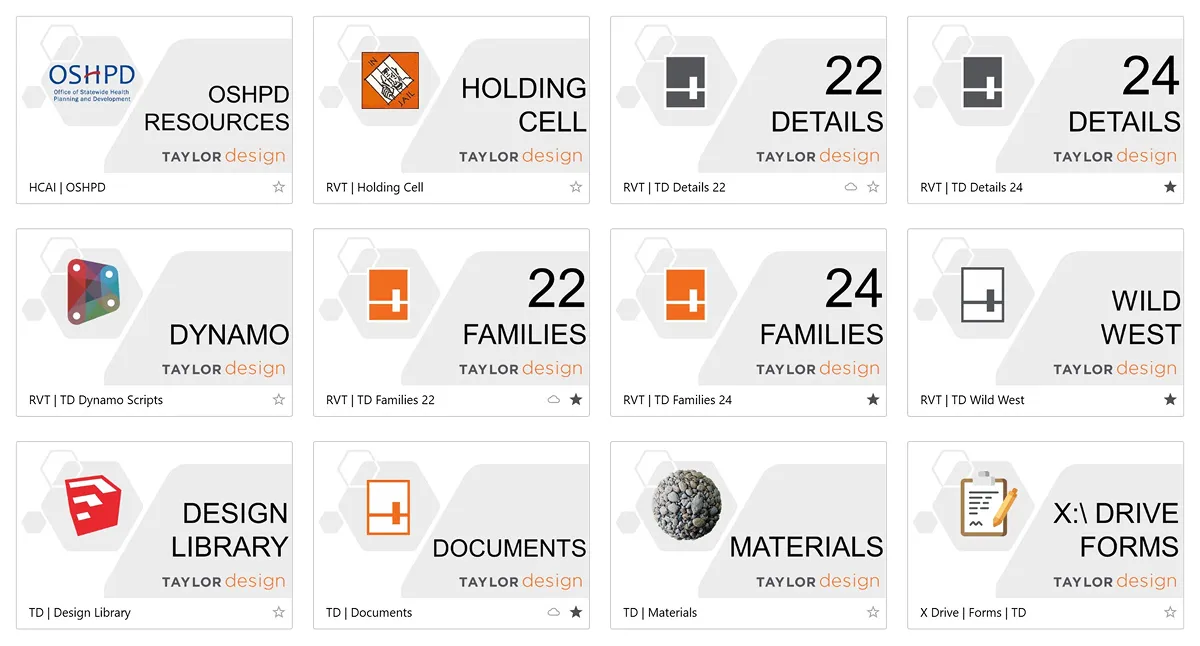
Taylor Design
“At Taylor Design, we’re all about making things easy. The visual magic of AVAIL’s Channel Cards has transformed how we navigate content, providing a reliable roadmap for effortless exploration. We appreciate how a well-designed visual touch simplifies navigation and brings a sense of satisfaction to content discovery.”
Hixson Architecture, Engineering and Interiors
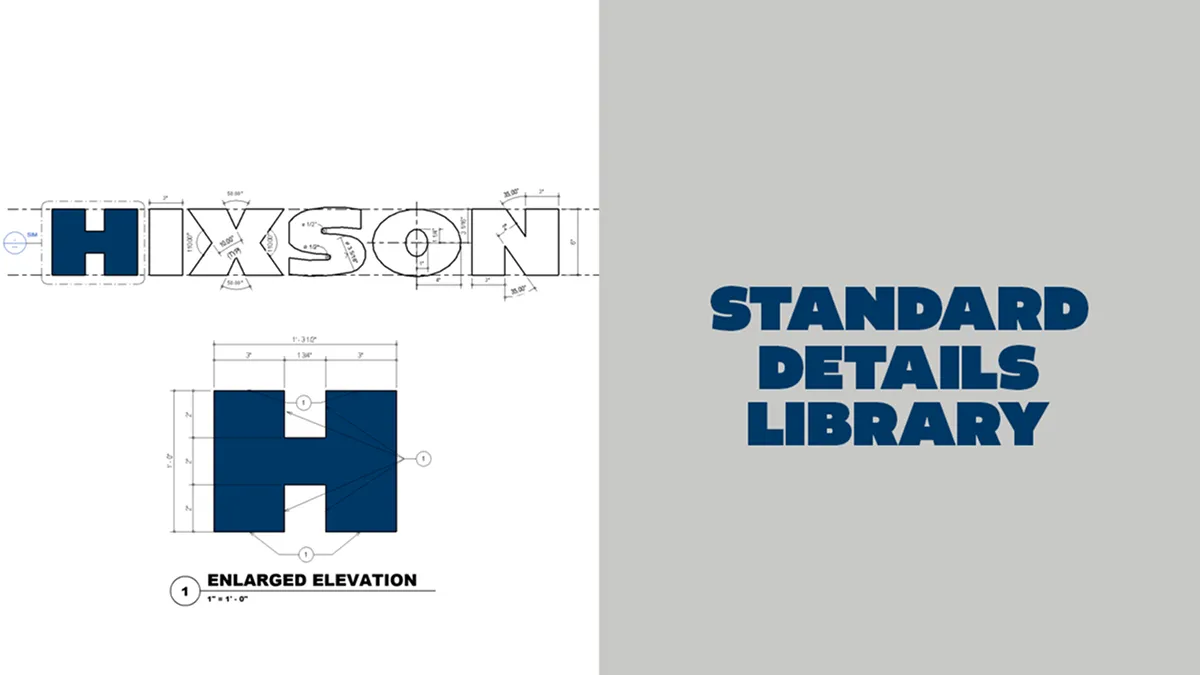
“This Key Card is used for our company standard details library. Our company logo is being dimensioned with an enlarged elevation of the Hixson ‘H’ further being detailed, dimensioned and keynoted.”

Key Card and Channel Card Templates
Get started organizing your Channels and Keys with these helpful, free designs
Download Templates for Free:
- In the AVAIL Desktop, switch from "Channels" in the top left corner to "Marketplace"
- Subscribe to "AVAIL | Installers + Publisher Resources" Channel
- Go back to "Channels" in the top left corner
- Open "AVAIL | Installers + Publisher Resources" Channel
- Download favorite templates
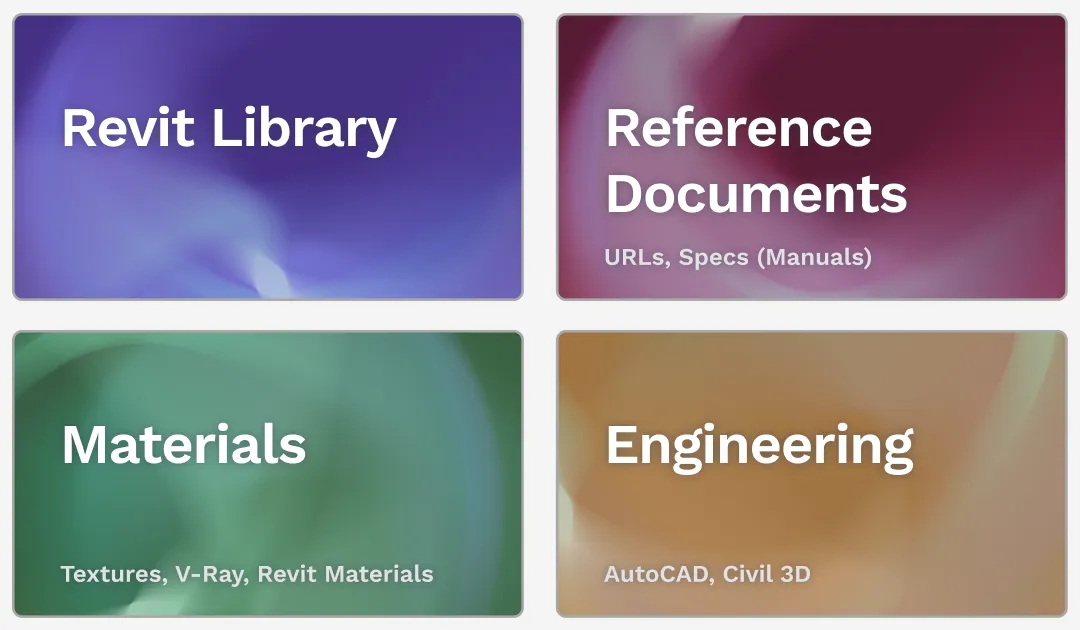
Guide to Key Cards and Channel Cards
Everything you need to know about customizing your content library in AVAIL