
2023 Show Your Cards Contest Winners
Finding information through endless scrolling and searching in traditional file folders and cloud storage can be overwhelming, leading to errors and wasted time. To simplify the process, we introduced Channel Cards and Key Cards.
Channel Cards act as “album covers” for each Channel you create, offering a visual way to navigate your content. Key Cards provide a way to visually group and filter content within a Channel. These visual gateways are dynamic and completely customizable through the use of your own graphics!
We launched the ‘Show Your Cards’ contest to encourage customers to share their creative uses of these features. Their entries were a testament to the power of visual navigation over searching through file folders and cloud storage solutions.
See 2023's winning submissions below.
Best Brand Identity
Most reflective of the submitting firm
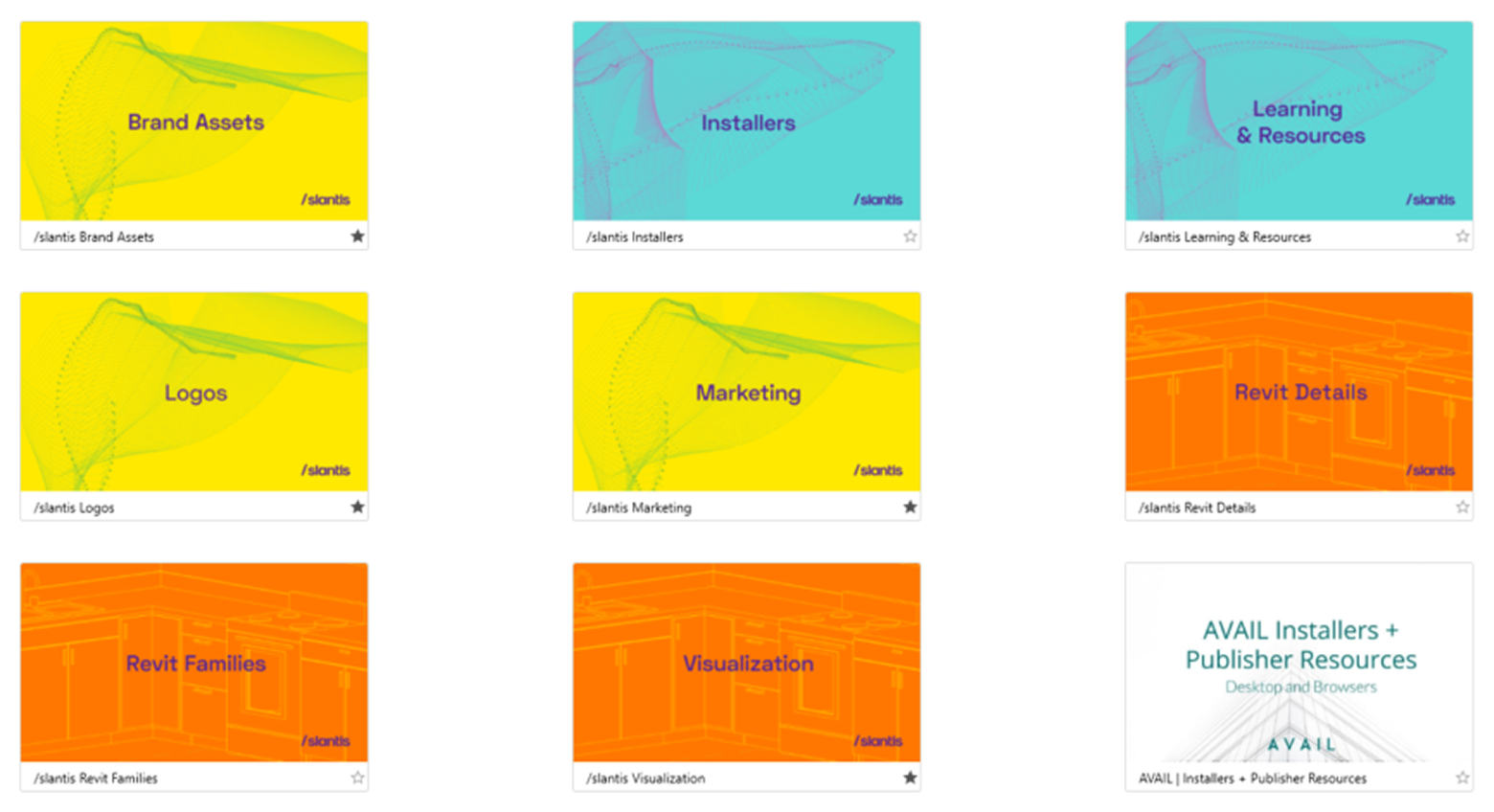
/slantis
“Here at slantis, we foster a disruptive mindset that seeks to create new things and stay ahead of the game 🚀 And of course, our AVAIL interface had to reflect this. First, we classified our Channels by topic or content. Then, assign one of our bright brand colors to each one.
Finally, we added a creative, content-aligned design for the channel to faithfully portray the merging of our passion, the team, our values, technology, and most importantly, our daily collaboration spirit!
Regarding the funky mesh, we collected data from our Slack channels, filtered it, got deeper insights about pj.5s, selected a generative design, personalized a code, added our color palette, and voila! 😅 And as for the more architecture-oriented channels, we chose in-house-made families and details.”
Best Visual Navigation
Most effective in helping others find what they need faster
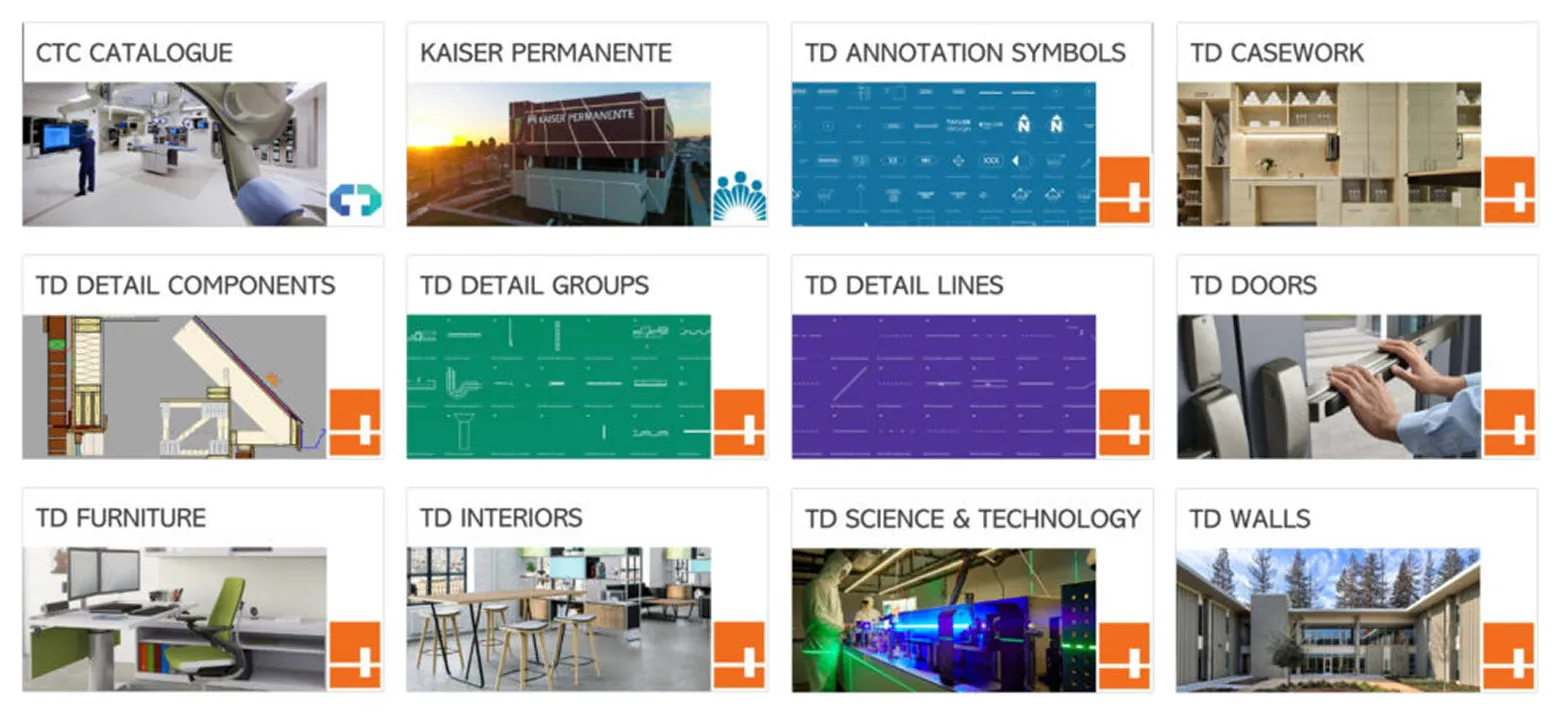
Taylor Design
“Within Channels, Taylor Design has employed a few features to help people dive quickly into other content we’ve categorized. Logos in the bottom right corner help identify the source of the content, images convey the general content and for 2D line-based families such as annotations we went for a throw-back style of blueprint paper.”
Most Creative
The coolest, most exciting, and inspirational design
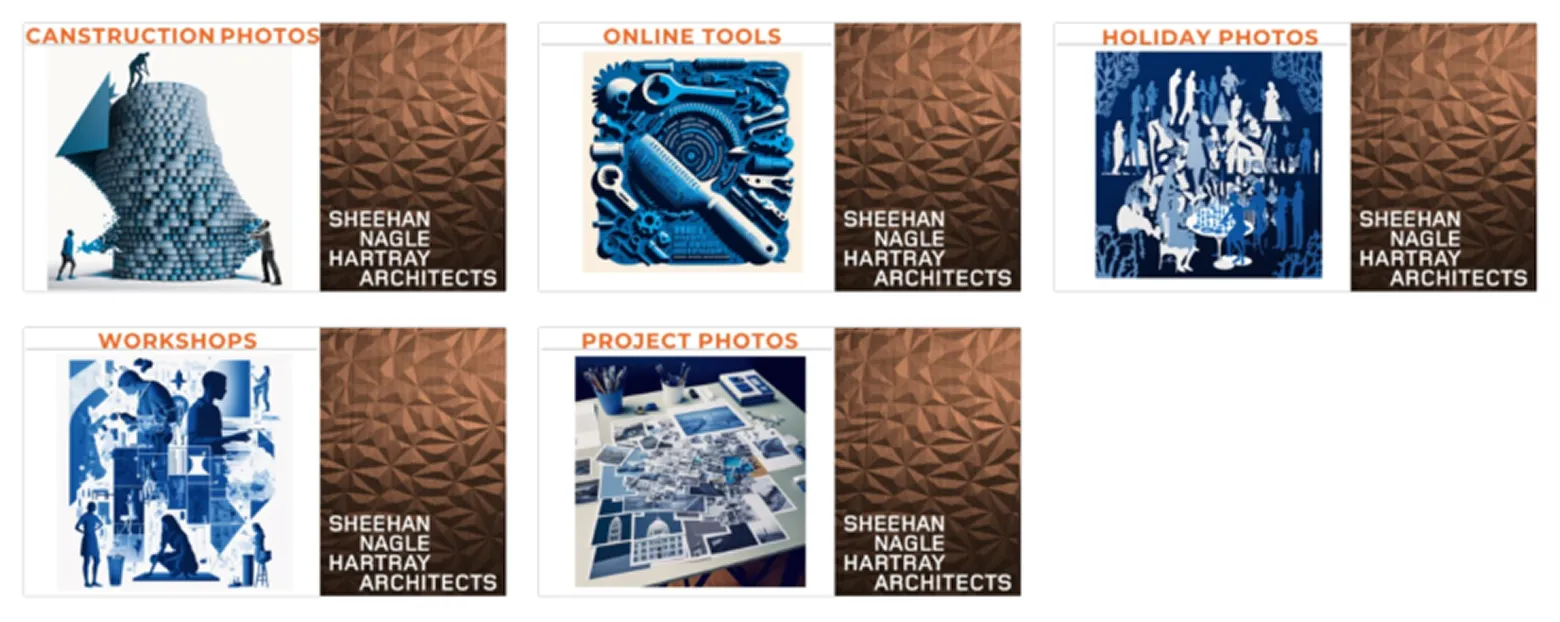
Sheehan Nagle Hartray Architects
“For the Key Card contest submission, I used Midjourney to create AVAIL Channel Cards that showcased our Canstruction Project Photos, Online Tools, Holiday Photos, Workshops, and Project Photos. Using Midjourney, I customized our office-wide template with my own images and text related to these topics, creating a cohesive and visually appealing design. I also ensured that the Channel Cards had a consistent theme and color scheme, using a font style that reflected the SNHA brand and the tone of my content.
Show Your Cards Contest Honorable Mentions
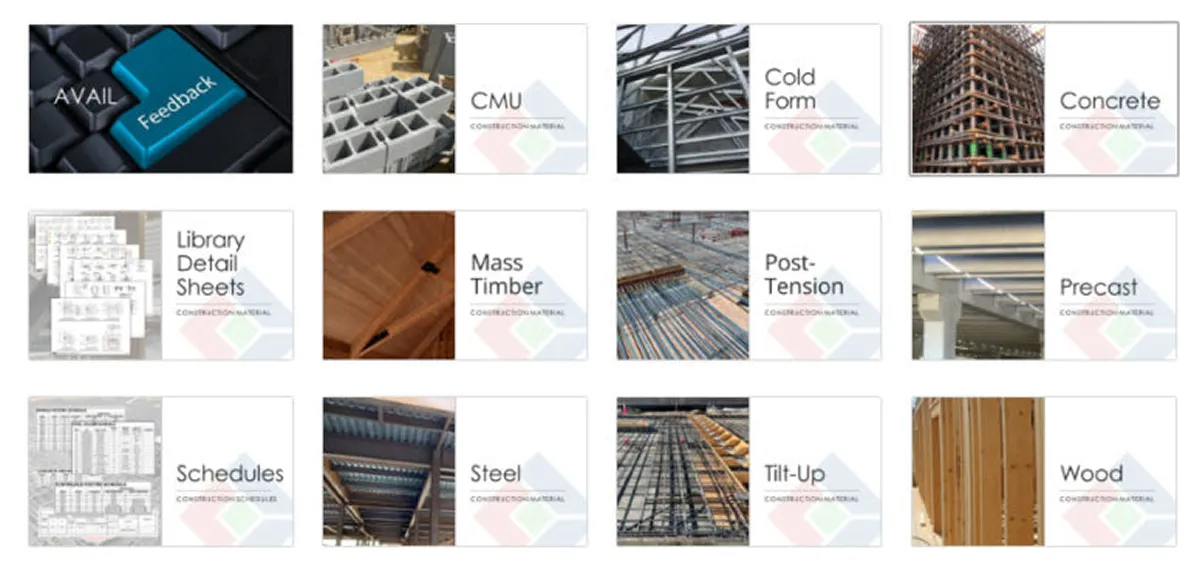
IMEG
“Along with our logo and a title, we have added a picture from our projects to clearly display what you will find within this Key Card.”
Hendy
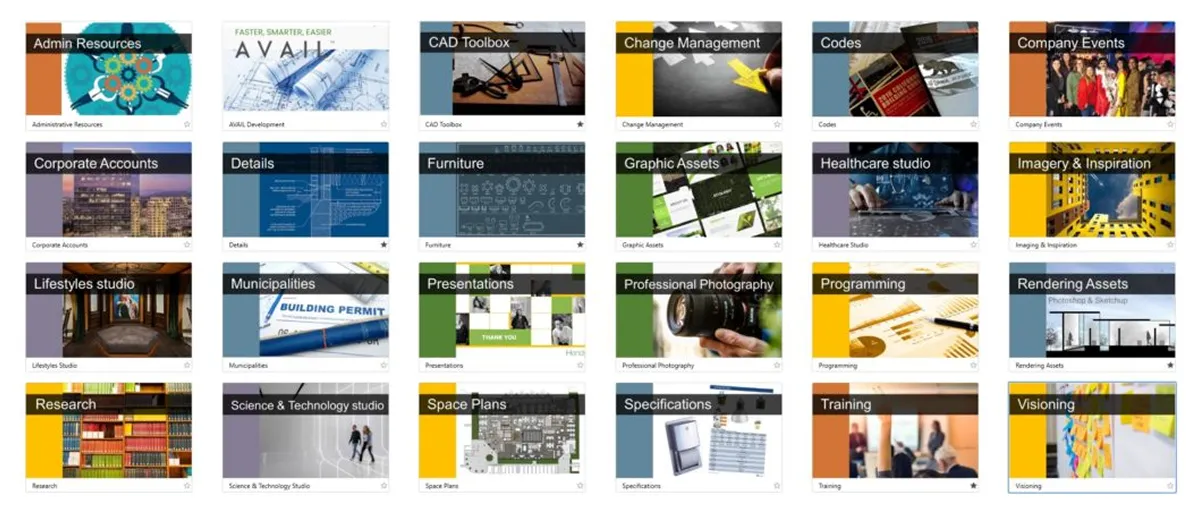
• Blue – Production assets
• Green – Marking, Graphic assets, Project photography
• Yellow – Programming, Visioning, Research
• Orange – Administrative
• Purple – Corporate Accounts
The colors chosen are colors we use on all of our project proposals, block plans for clients and in-house presentations. We’re especially excited about the Company Events Channel where anyone can look back on all the amazing Hendy parties and industry events. It will be a true record of our culture of hard work, design excellence and family-style culture.”
CIMA+
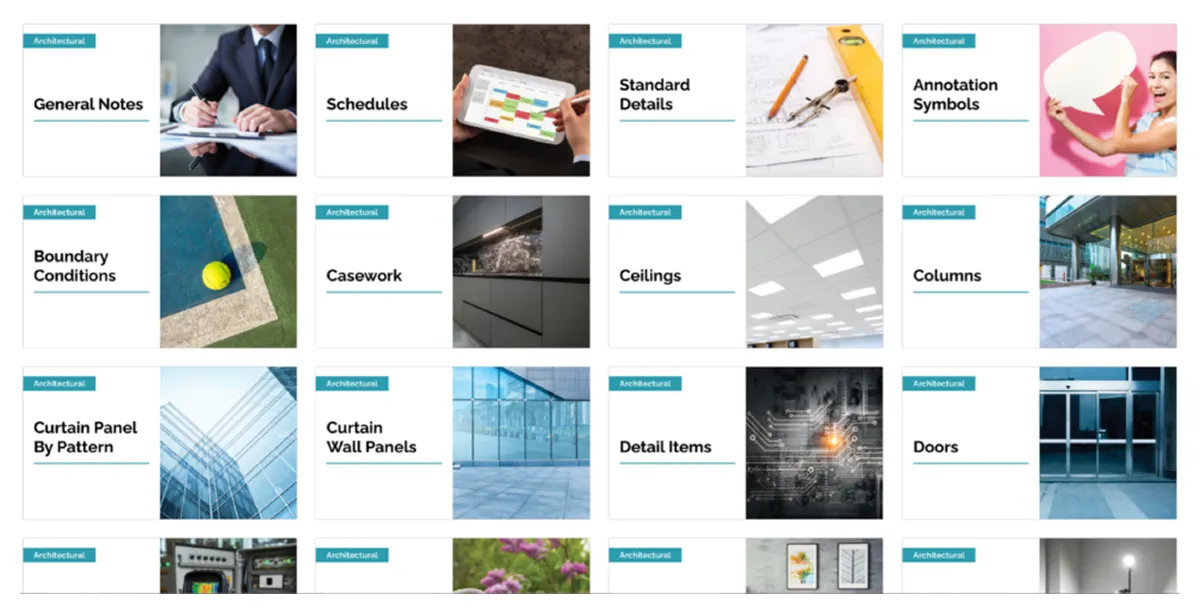
“We wanted to make finding content easier for the user by color coordinating each discipline. Under each discipline the sub-categories match the color of the corresponding discipline. Image attached displays what’s under the English Architectural discipline.”
Gray AE
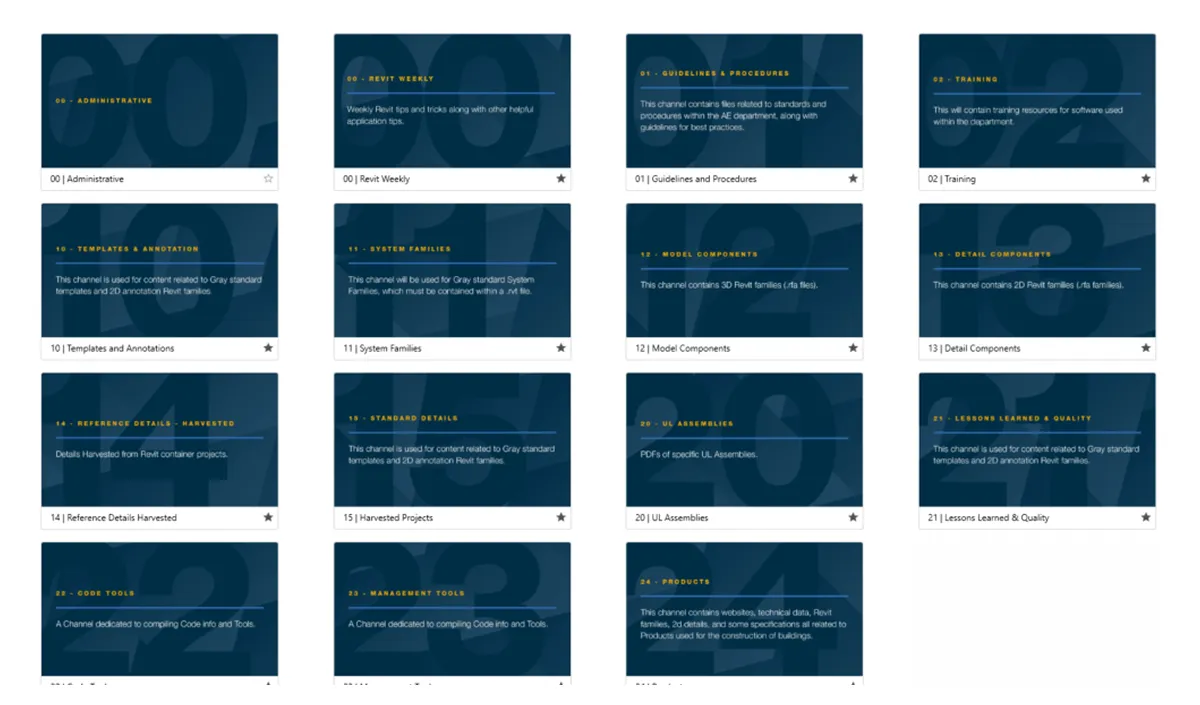
“We recently did a complete overhaul of the content that was in the Channels. We wanted something to signify a change in the Channels. Our previous Channel Cards were simple, with the company logo in the bottom right and the Channel name in the middle. Our marketing team was able to come up with something simple and still easy to understand.”

Key Card and Channel Card Templates
Get started organizing your Channels and Keys with these helpful, free designs
Download Templates for Free:
- In the AVAIL Desktop, switch from "Channels" in the top left corner to "Marketplace"
- Subscribe to "AVAIL | Installers + Publisher Resources" Channel
- Go back to "Channels" in the top left corner
- Open "AVAIL | Installers + Publisher Resources" Channel
- Download favorite templates
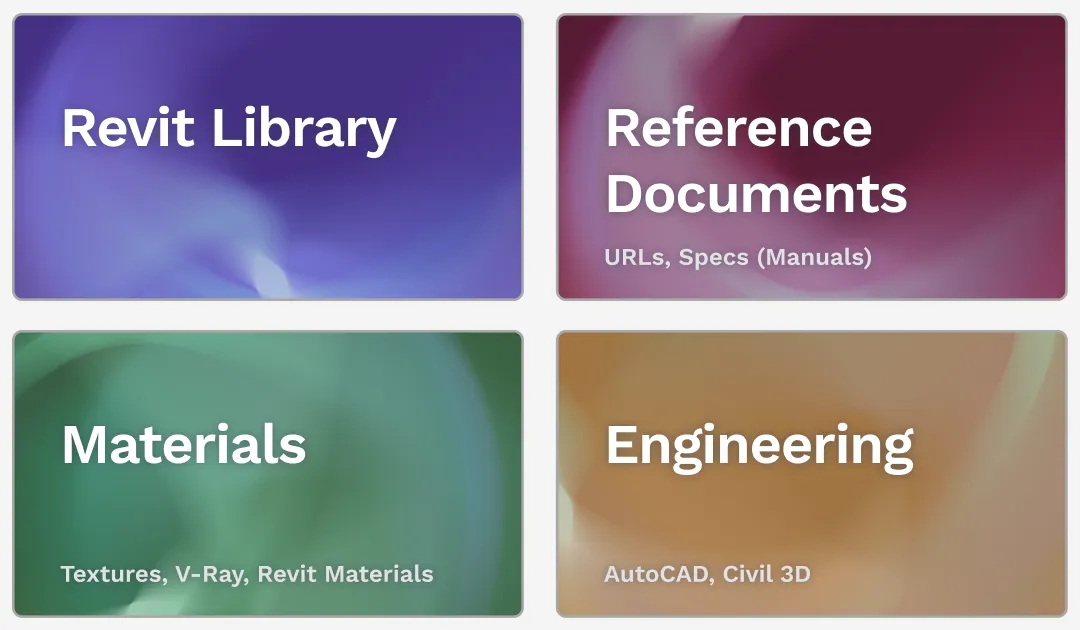
Guide to Key Cards and Channel Cards
Everything you need to know about customizing your content library in AVAIL